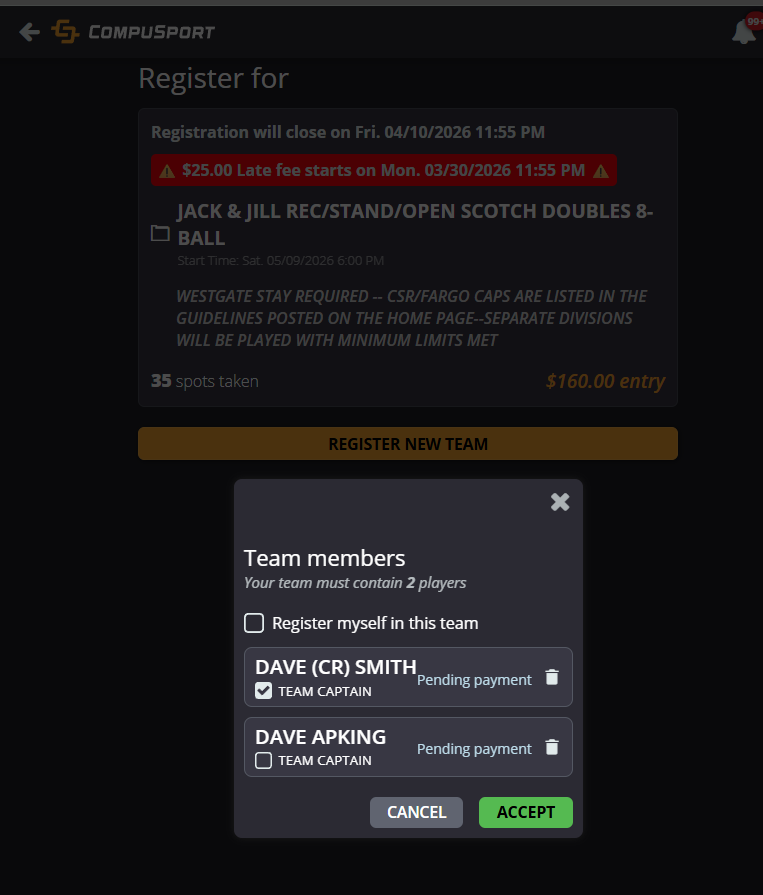
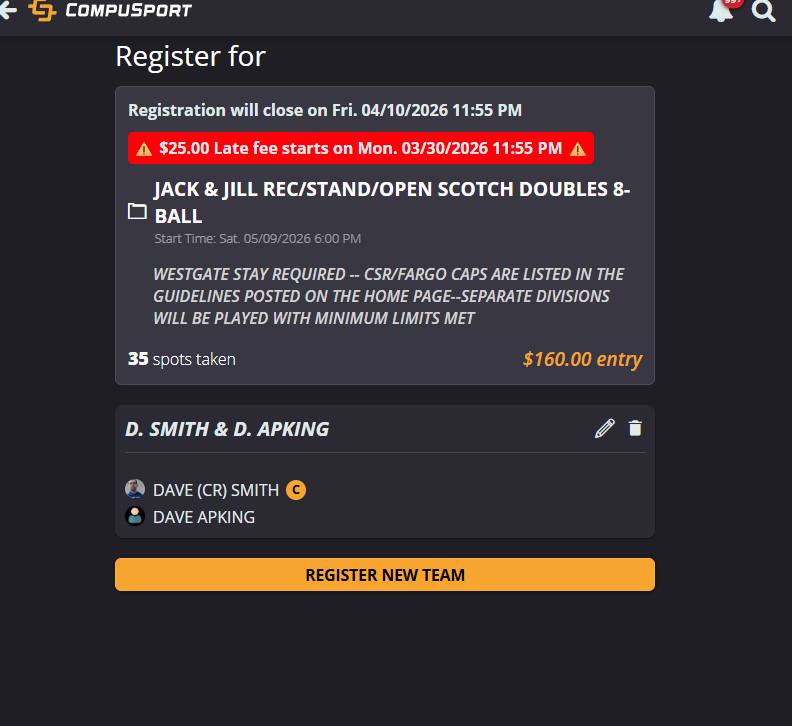
If you’re using the registration tool and want players to sign up for a division without entering a team name, they can simply add their players. The system will automatically generate a team name using the first letter of each player’s first name and their last name.
Using this settings removes the team name box. Therefore it's an all or nothing.
Go to Menu > Manage > Divisions > Division groups.
Select the division group, check the box Team Name based on player names.
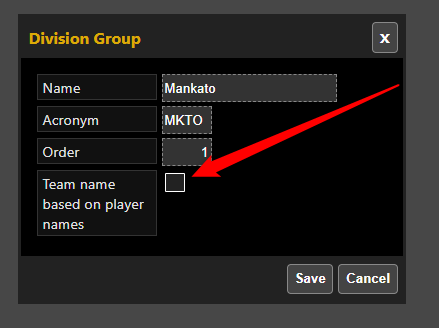
This will remove the box to insert team name and will name them by default.
For example : Dave Smith and Dave Apking their team name will be D. Smith & D. Apking